.svg)
Three steps. One continuous loop.
The loop runs on measurements from Blue Triangle's tag on your own site, tied to the conversions and revenue those same visits produced. Quantify turns that history into revenue-opportunity estimates for your pages and devices, not an industry average. Validate adds what changed after your team's work to that same history, so the next pass starts from your own results.
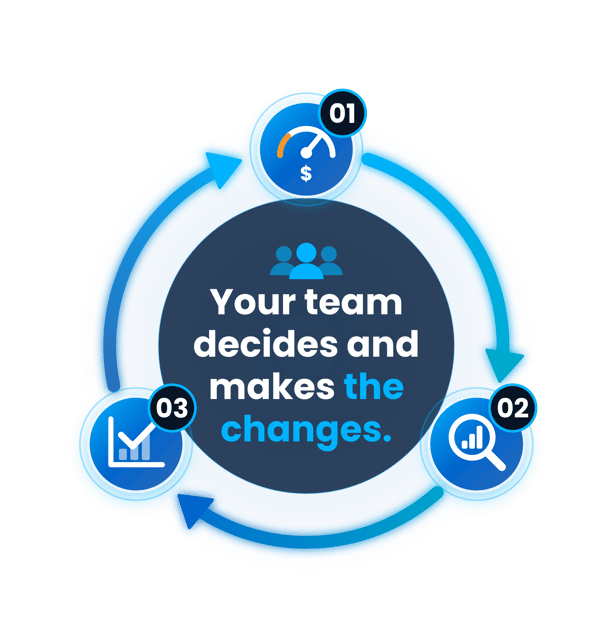
Quantify
Identify the revenue opportunity.
Resolve
Investigate and prioritize fixes.
Validate
Measure what changed and feed the next decision.
Your team reviews recommendations and decides what to change, then uses Blue Triangle to assess the result. Revenue figures are estimates for deciding what to investigate first, not recovered revenue or a promise.
What does the loop run on?
Blue Triangle's tag records experience measurements from visits to your site and pairs each visit's data with its outcome: did it convert, and how much revenue came with it?
Experience analytics can show where visitors struggle. Blue Triangle also estimates what that struggle is worth in revenue, so your team can rank fixes.
Those estimates are calculated from your measured visits. AI assistants that use Blue Triangle's MCP connector can pull those results and explain them, but they don't produce the measurements.